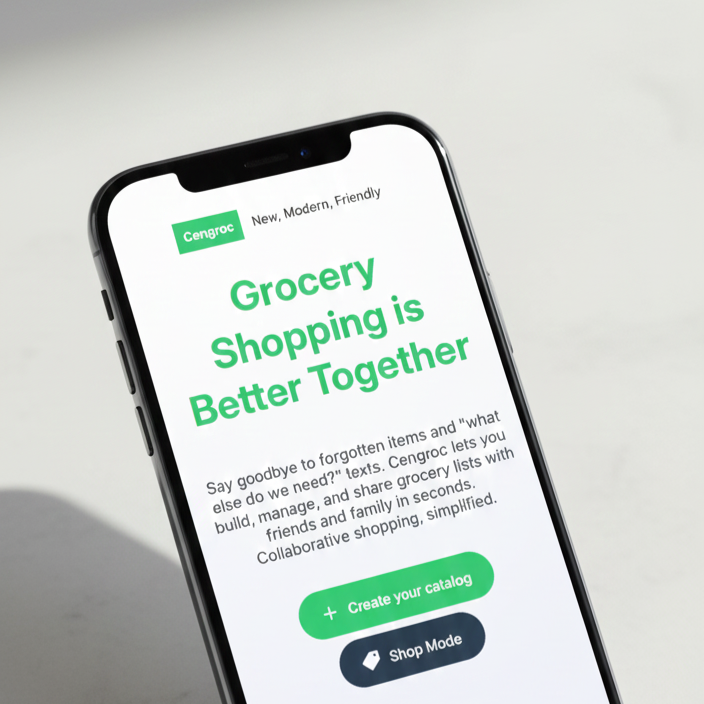
Grocery Shopping is Better Together
Say goodbye to forgotten items and "what else do we need?" texts. Cengroc lets you build, manage, and share grocery lists with friends and family in seconds. Collaborative shopping, simplified.


Why Choose Cengroc?
A simpler, more collaborative way to handle your household shopping.
Personal Product Library
Add, edit, and manage your favorite items in a personal database for quick list building every week.
Easy Sharing
Export your lists as JSON files to share with family and friends. No cloud accounts or passwords required.
Interactive Shop Mode
Switch to Shop Mode in-store to mark items as purchased in real-time, keeping you focused and organized.
Privacy-Centric Storage
Your data stays on your device. We use Local Storage to ensure your shopping habits remain 100% private and accessible offline.
Team Up
Divide and conquer! Share the load by letting anyone with the list file handle the shopping trip.
Reset & Import
Easily reset your data or import backups whenever you need a fresh start or a device migration.
Getting Started
Let's get you ready for your first shopping experience with Cengroc. Follow these steps and you will be a Cengroc pro!
- Add products on the products page.
- Navigate to the grocery lists page and create a new list.
- Link or add the required products for your grocery list and click Save
- Navigate to the shop page where you can enter shop mode.
- Click Start shopping and select the grocery list you want to activate shop mode with.
- Once shop mode is activated, click on products as you pick them up in-store to mark them as selected/purchased
- Once you have found all items, click the done button to complete your shopping experience with Cengroc
Here are some other features you might not know of.
Pro Tips & Features
- Custom Currency: Update your currency and the symbol placement on the settings page.
- Selective Sharing: Click the share icon on a specific list to filter the share only that list's data.
- Full Profile Sharing: Clicking any share button will share the whole grocery list profile.
- Manual Backup: If the app cannot send the file automatically, you can download the data and send it manually.
- Fresh Start: Want to start over? Use the Reset button to clear all data.
- Session Recovery: App or page reloads? Do not worry, shop mode keeps track of your selections as you shop. You can easily resume the session when you need to.